When you’re considering any software, one of the first real questions is simple:
“How much does it cost, and is it actually worth it?”
This page breaks down Clickly pricing in plain English—no fluff, no hype, just what you pay, what you get, and who each option makes sense for.
(If you want the full product overview first, you can start here: 👉 Clickly review)
Clickly Front-End Price (Main Software)
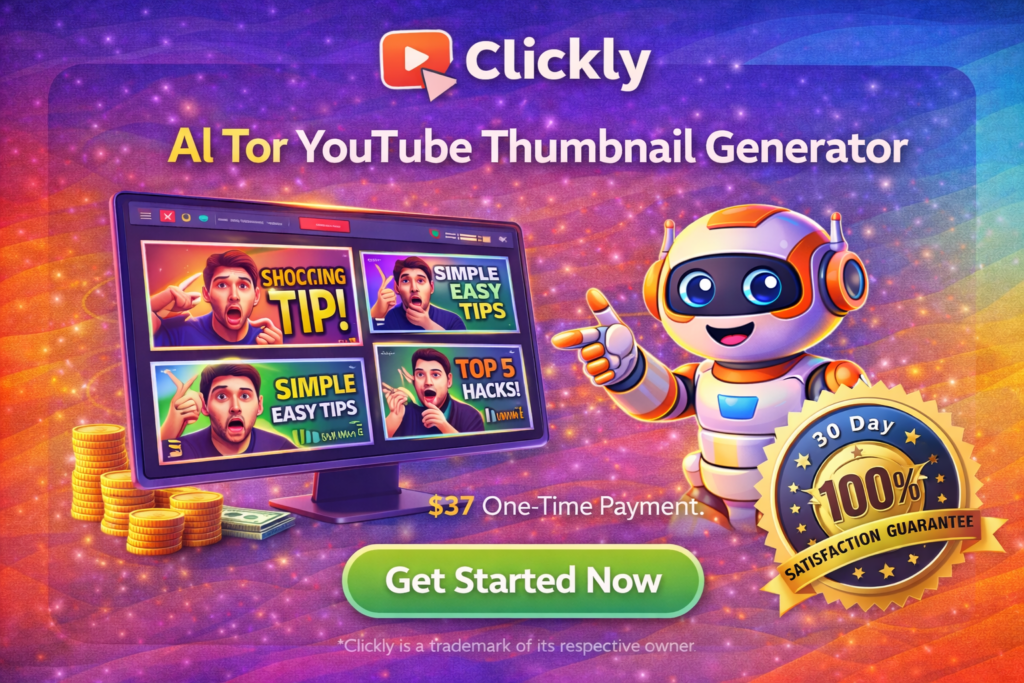
Clickly costs $47 for lifetime access.
This is a one-time payment.
No monthly fees.
No yearly renewals.
You pay once and keep access forever.
What’s Included in the $47 Plan?
With the main Clickly license, you get:
- AI thumbnail generator
- 2,000+ proven thumbnail templates
- 3–4 variations per template
- AI face cloning
- 200 AI credits
- One-click export to Canva
- Works with free Canva
- Lifetime access
- 30-day money-back guarantee
In practical terms, this covers everything you need to start creating high-quality YouTube thumbnails immediately.
Is Clickly Really “Lifetime”?
Yes.
This isn’t a “lifetime but with hidden limits” type of deal.
You get:
- Full access
- No subscriptions
- No usage-based pricing
As long as Clickly exists, your license stays active.
How Clickly Compares to Other Options
Let’s put this in perspective.
Hiring a Designer
- $5–$20 per thumbnail
- Ongoing cost
- Slow turnaround
Using Monthly Tools
- $15–$50/month
- Adds up over time
- Still requires manual work
Clickly
- $47 once
- Unlimited usage
- Faster workflow
If you create thumbnails regularly, Clickly becomes cheaper than almost any alternative within the first month.
Optional Upgrades (After Purchase)
Clickly also offers optional upgrades called OTOs (One-Time Offers). These are not required, but they expand what you can do.
OTO#1: Clickly PRO – $97 (Lifetime, One-Time)
- More templates
- Monthly updates
- Extra AI credits
- YouTube SEO training
Best for long-term creators.
OTO#2: ClipMagic – $147 → Launch Discount: $97 (Lifetime)
- AI tool for Shorts, TikToks, Reels
- Repurpose one video into many
- Boost reach across platforms
Best for growth-focused creators.
OTO#3: Creator Business in a Box – $97 (Lifetime)
- White-label digital products
- Monetization kit
- Full commercial rights
Best for people who want to sell something to their audience.
These upgrades are optional. The main Clickly software already works well on its own.
Clickly Bundle – Best Value Option
If you want everything in one package, there’s also the Clickly Bundle.
The bundle usually includes:
- Clickly (main software)
- Clickly PRO
- ClipMagic
- Creator Business in a Box
Instead of buying each upgrade separately, the bundle gives you the full ecosystem at a discounted price.
This is the best option if you want:
- Better thumbnails
- More content output
- Cross-platform growth
- Monetization tools
All in one system.
Which Pricing Option Is Best for You?
Here’s a simple breakdown.
Choose Clickly Only If:
- You just want better thumbnails
- You’re new to YouTube
- You want minimal setup
- You don’t need extra tools
Choose Clickly + PRO If:
- You’re serious about YouTube
- You upload regularly
- You want trend updates
Choose the Bundle If:
- You want everything
- You plan to grow across platforms
- You want monetization options
- You prefer one ecosystem
Is Clickly Worth the Price?
To be honest, Clickly’s pricing is one of its biggest strengths.
Most creator tools today:
- Lock features behind subscriptions
- Charge monthly forever
- Limit usage
Clickly does the opposite.
You pay once and get a complete tool.
If Clickly helps you:
- Improve CTR by even 5–10%
- Save time on every upload
- Avoid hiring designers
It easily pays for itself.
Refund Policy (Important)
Clickly comes with a 30-day money-back guarantee.
That means you can:
- Test the software
- Generate real thumbnails
- Try face cloning
- Export to Canva
- Use it on your channel
And if it’s not for you, request a refund within 30 days.
No long-term risk.
Hidden Costs? (Short Answer: No)
There are no hidden fees.
You don’t need:
- Paid Canva (free version works)
- Extra plugins
- Add-on software
Everything needed is included in the main price.
My Honest Take on Clickly Pricing
To be honest, Clickly is priced like an old-school software product, not a modern SaaS.
And that’s a good thing.
It’s:
- Affordable
- Predictable
- Transparent
You know exactly what you’re paying and exactly what you’re getting.
No surprises.
Final Verdict on Clickly Pricing
If you only want a tool that creates better thumbnails, $47 lifetime is already great value.
If you want a full creator system with growth and monetization tools, the bundle is the smartest option.
Either way, Clickly’s pricing is refreshingly simple in a world full of subscriptions.
And that alone makes it easier to recommend than most creator software today.